Links
Demo
Consider the following code. It defines a stage and a sprite on the stage. The functions are code blocks that are associated with events (i.e. connected to a hat block in Scratch) via the corresponding methods.
from pystage.en import Stage

stage = Stage()
stage.add_backdrop("grid")
zombie = stage.add_a_sprite()

def doit(zombie):
    zombie.say("Hello pyStage!")
    for i in range(4):
        zombie.move(10)
        zombie.wait(1)
        zombie.think("This is awesome!")
        zombie.turn_left(90)
        zombie.wait(1)
        zombie.think("")
    zombie.say("Move me around with WASD.")

zombie.when_program_starts(doit)

def right(zombie):
    zombie.change_x_by(10)

def left(zombie):
    zombie.change_x_by(-10)

def up(zombie):
    zombie.change_y_by(10)

def down(zombie):
    zombie.change_y_by(-10)

zombie.when_key_pressed("d", right)
zombie.when_key_pressed("a", left)
zombie.when_key_pressed("w", up)
zombie.when_key_pressed("s", down)

stage.play()
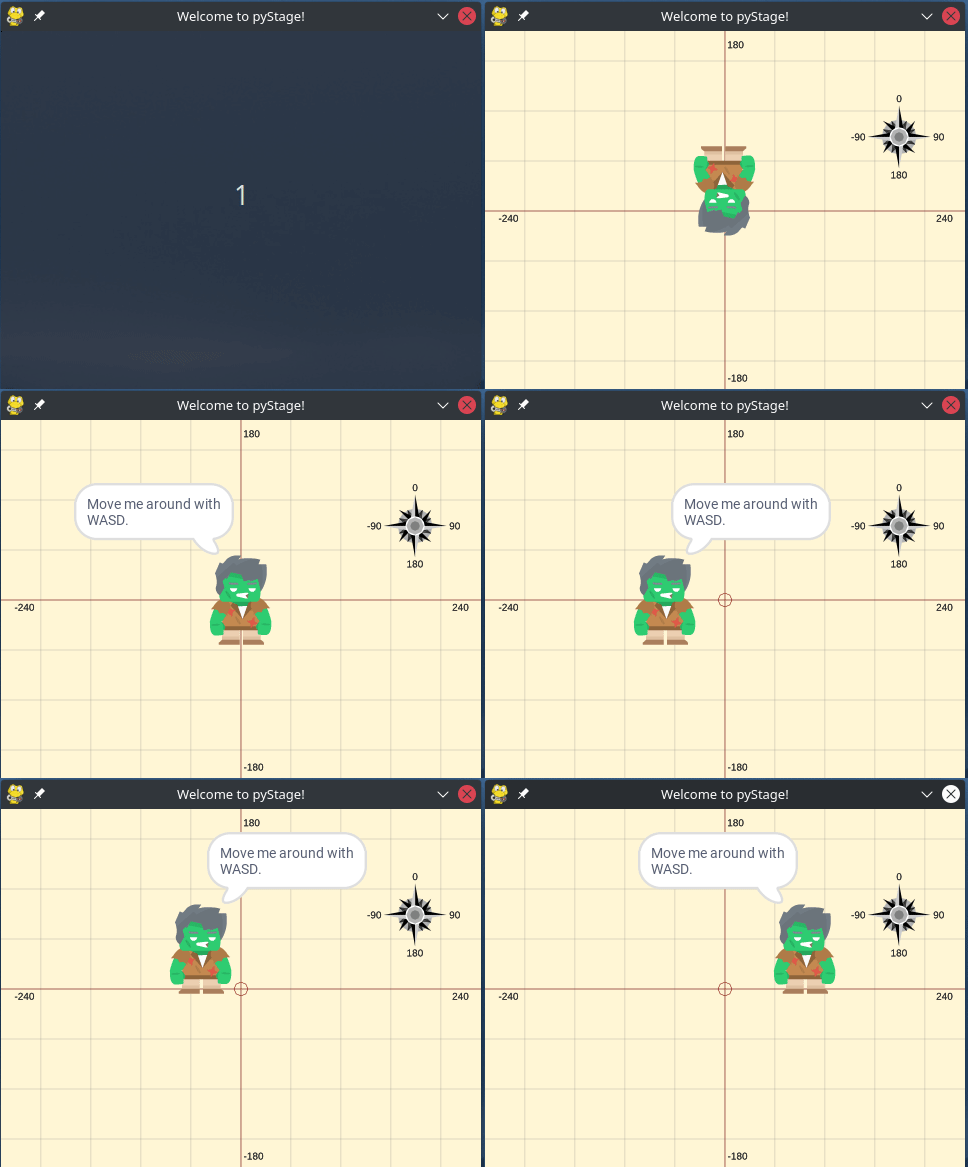
And here is the result:
Goals
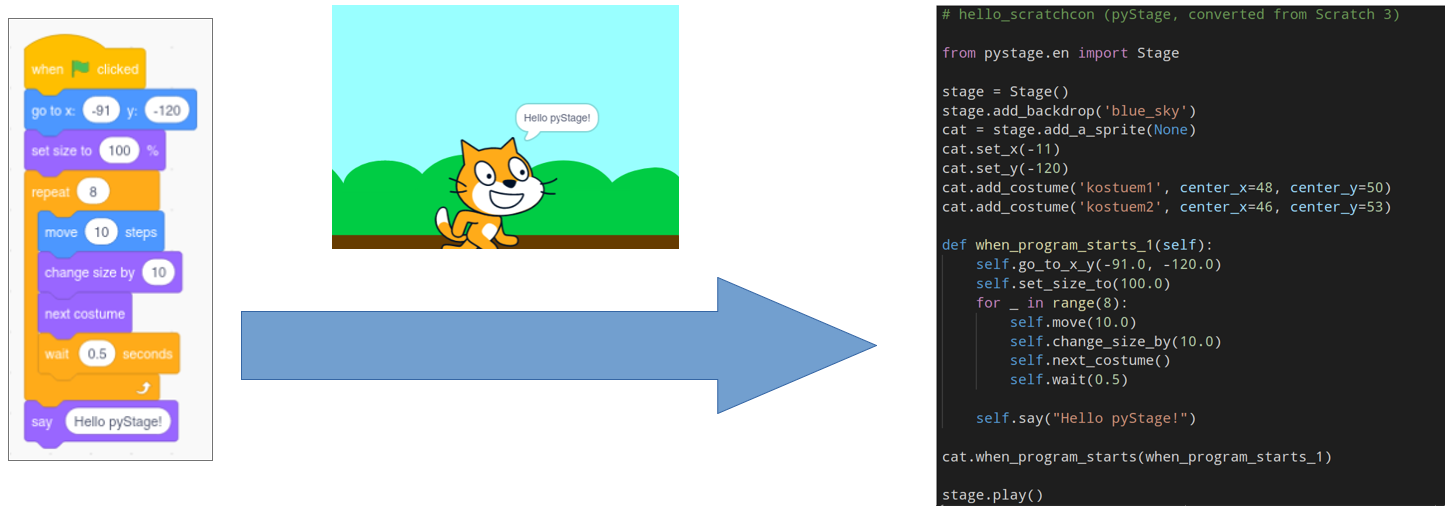
- Export your Scratch project to real executable Python code!
- Helping coding beginners to learn Python “by Scratch”.
- Implementation of scratch blocks in several languages (ideal for kids). As of now en and de.